

Contacts Actions
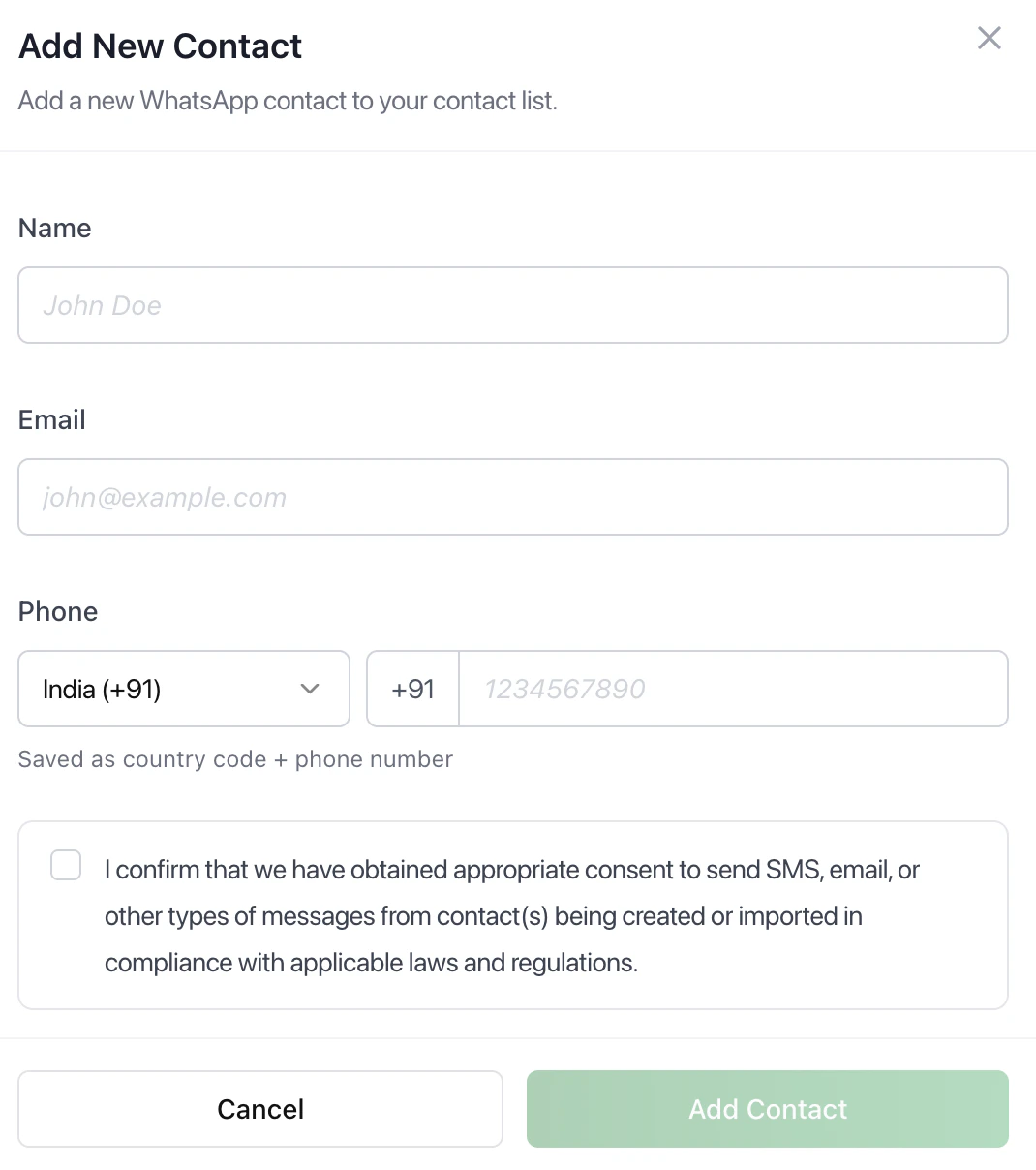 | Add Contact |
|---|---|
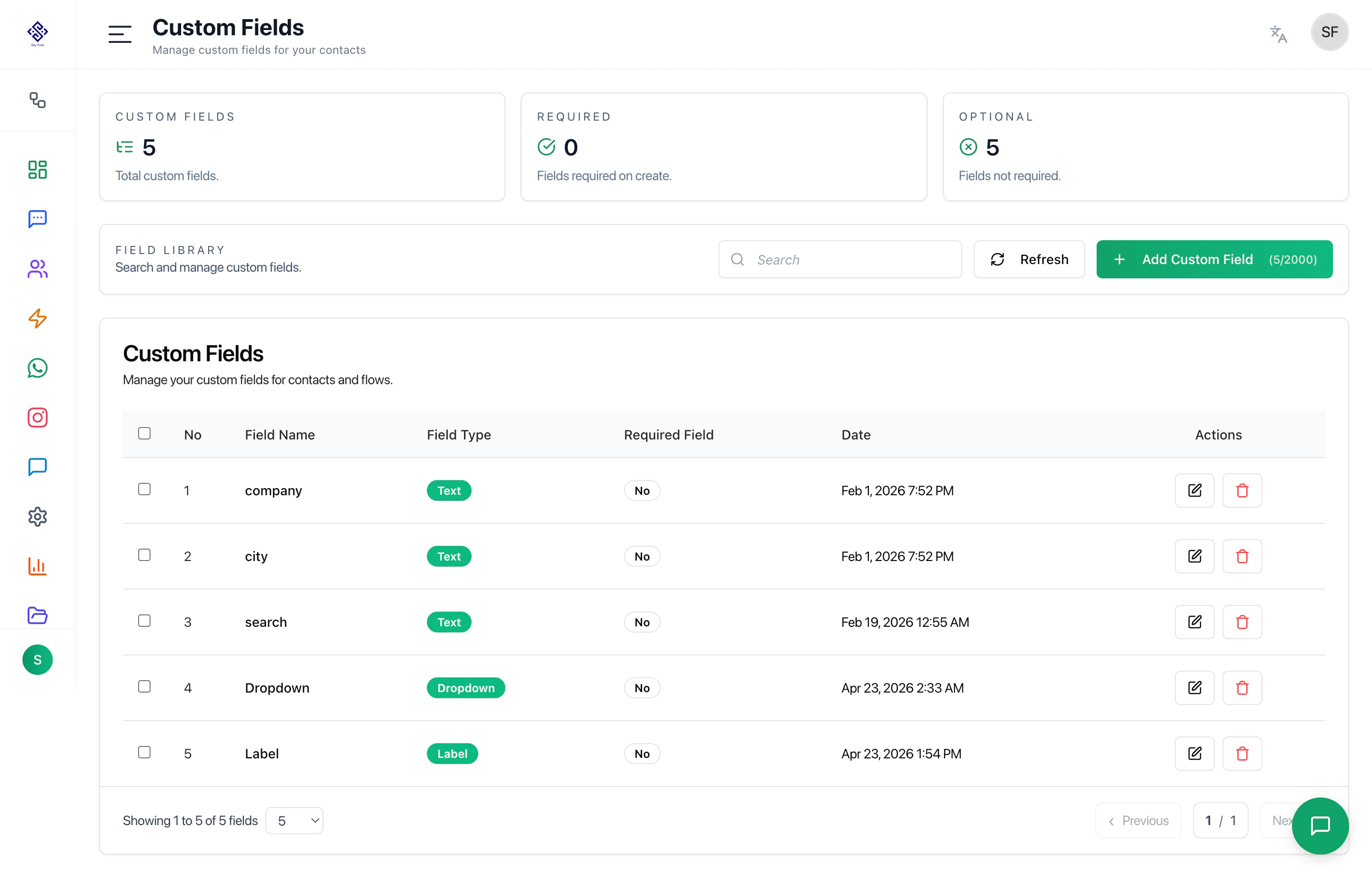
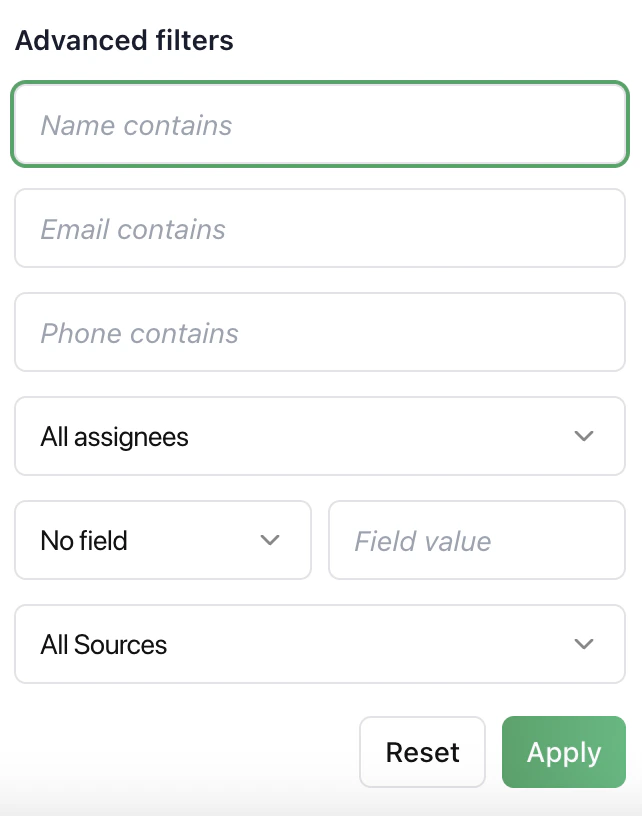 | Advanced Filters Filter contacts using name, email, phone, assignee, custom field values, and source. Use this to narrow large datasets and find specific users quickly. |
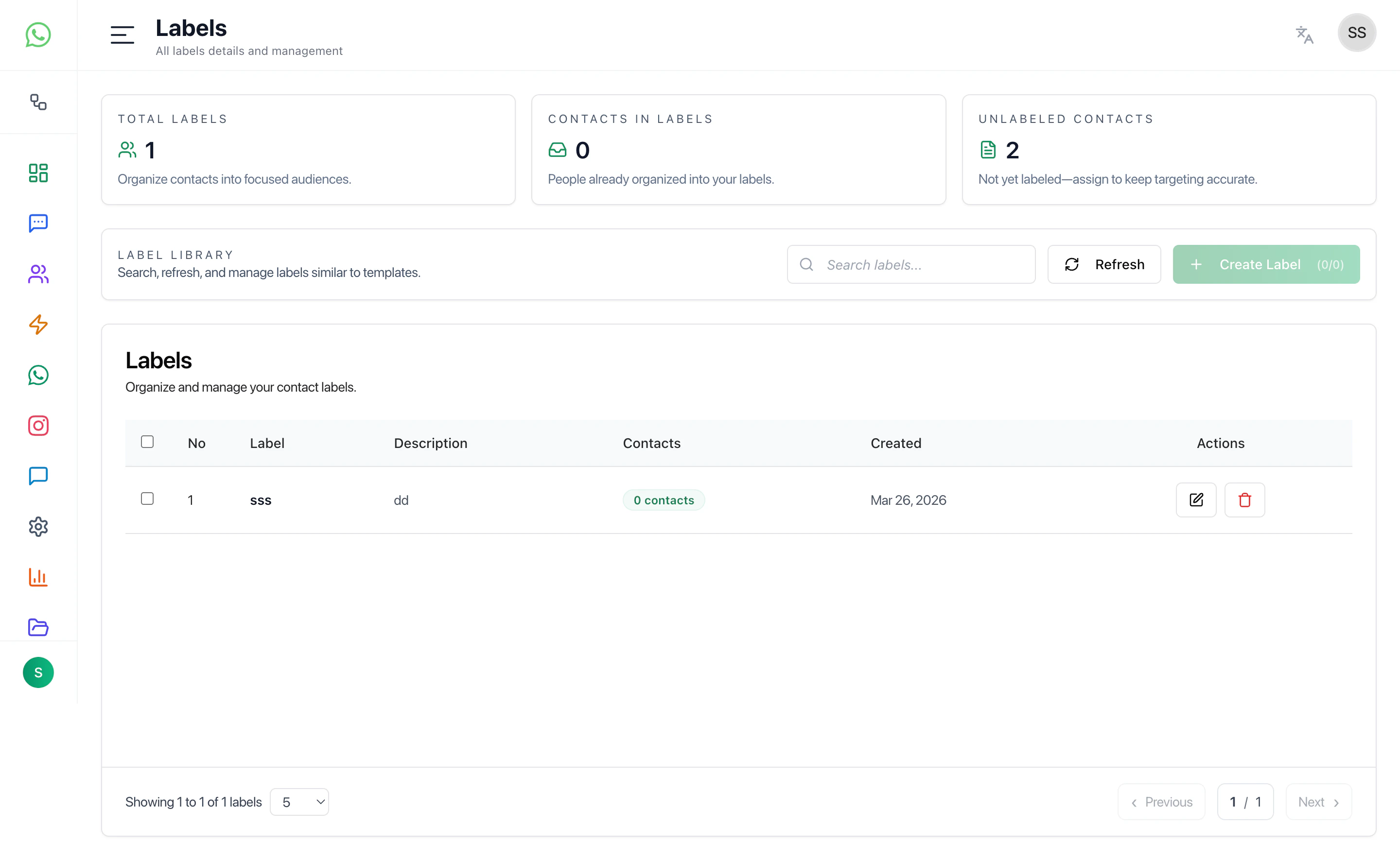
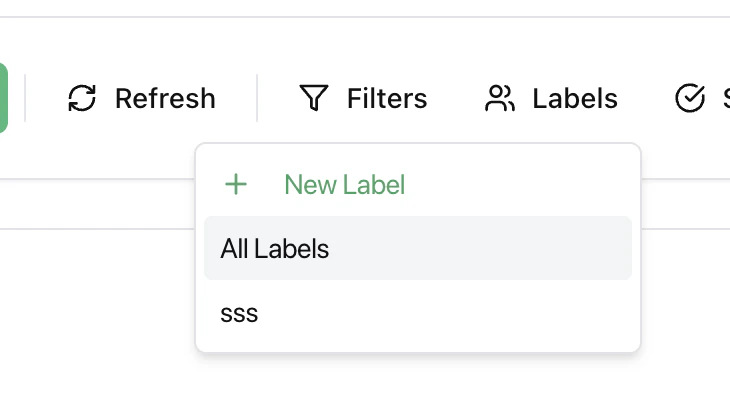 | Labels Create and assign labels to segment contacts for campaigns, automation, and better organization. |
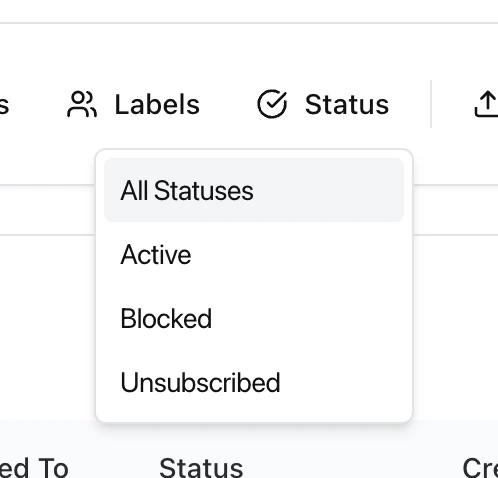 | Status Management Manage contact eligibility: |
 | Export contacts for reporting or backup. Runs as a background job and sends the download link via email. |
 |
Best Practices
- Use filters before working on large datasets
- Keep labels consistent
- Use status filters before campaigns
- Export data regularly
- Avoid duplicate contacts