

What is this?
Instagram brings together the Instagram-specific tools provided for a connected Instagram Business account — reviewing performance, configuring how the chat experience starts, and publishing posts. Treat it as your Instagram operating layer, not just a reporting view.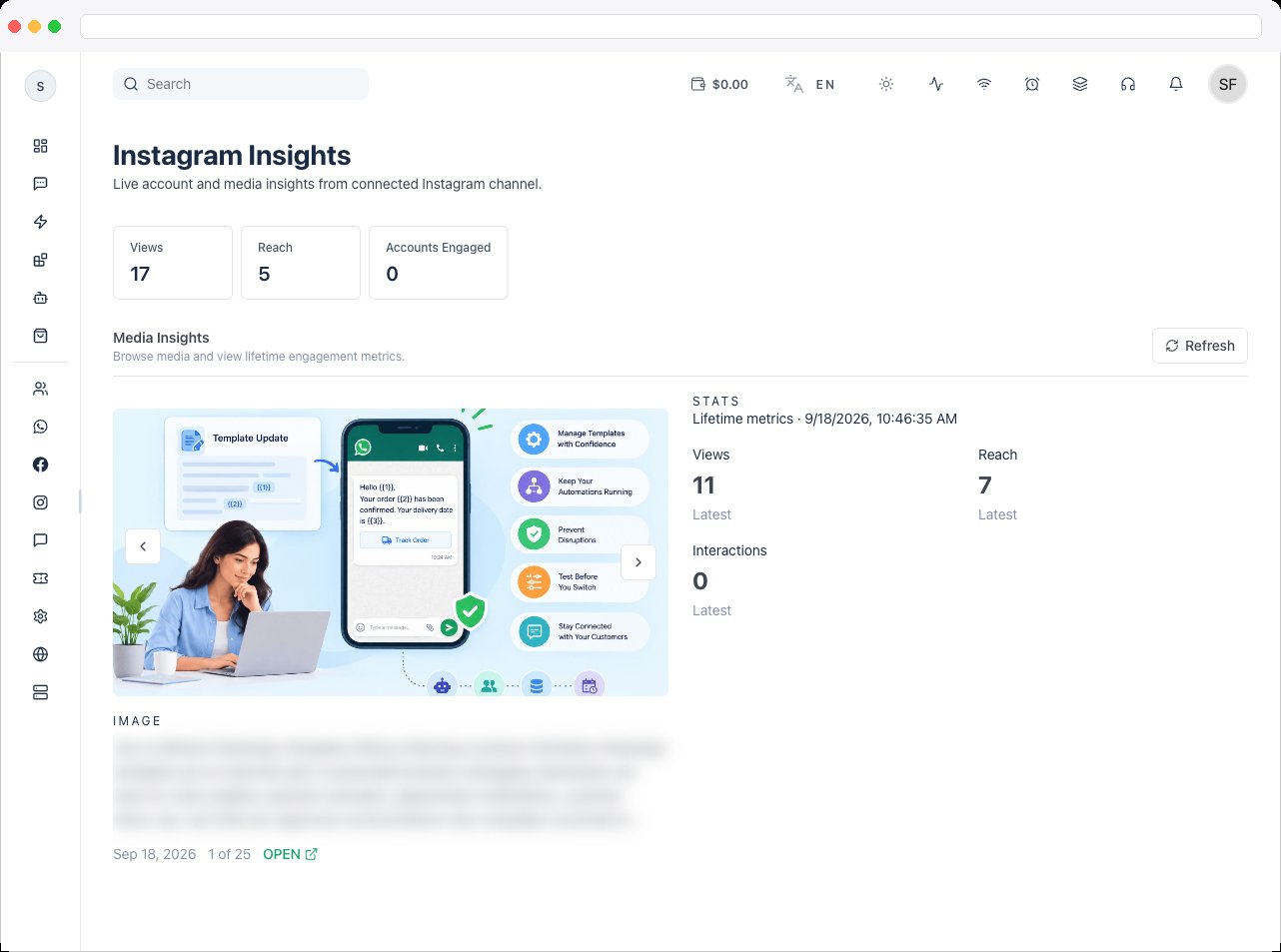
This section requires an active channel with a connected Instagram account. Every page shows a setup message until an account is connected, and an upgrade message if your plan doesn’t include Instagram integration. Access is controlled by the
instagram:view permission (Insights, User Interaction) and instagram:edit (Publishing and changes).What can I do here?
Use Instagram for three main jobs:- review account and post performance in Insights
- configure the persistent menu, ice breakers, and tracked ref links in User Interaction
- create, schedule, and publish posts in Publishing
Main pages in this section
How to use it
- Connect an Instagram account. Connect an Instagram Business account to your active channel from Channels. Your platform administrator must have configured Instagram OAuth first.
- Start with performance. Open Insights to understand what’s happening on the connected account before you change anything.
- Configure how conversations start. Use User Interaction to set up the entry points people see in Instagram chat, and to track where conversations come from.
- Publish deliberately. Use Publishing as part of a planned workflow — save a draft if a post isn’t ready, and publish or schedule it when it is.
Troubleshooting / Technical Notes
- You see “Please connect an Instagram account in Settings.” No Instagram account is connected to the active channel.
- You see an upgrade message. Your current plan doesn’t include Instagram integration.
- Keep work tied to the correct channel. Instagram tools operate on the active channel, so check which one is selected before making changes.
- Review interaction settings before changing automation. The persistent menu and ice breakers feed conversations into your Automation and Inbox.