

What is this?
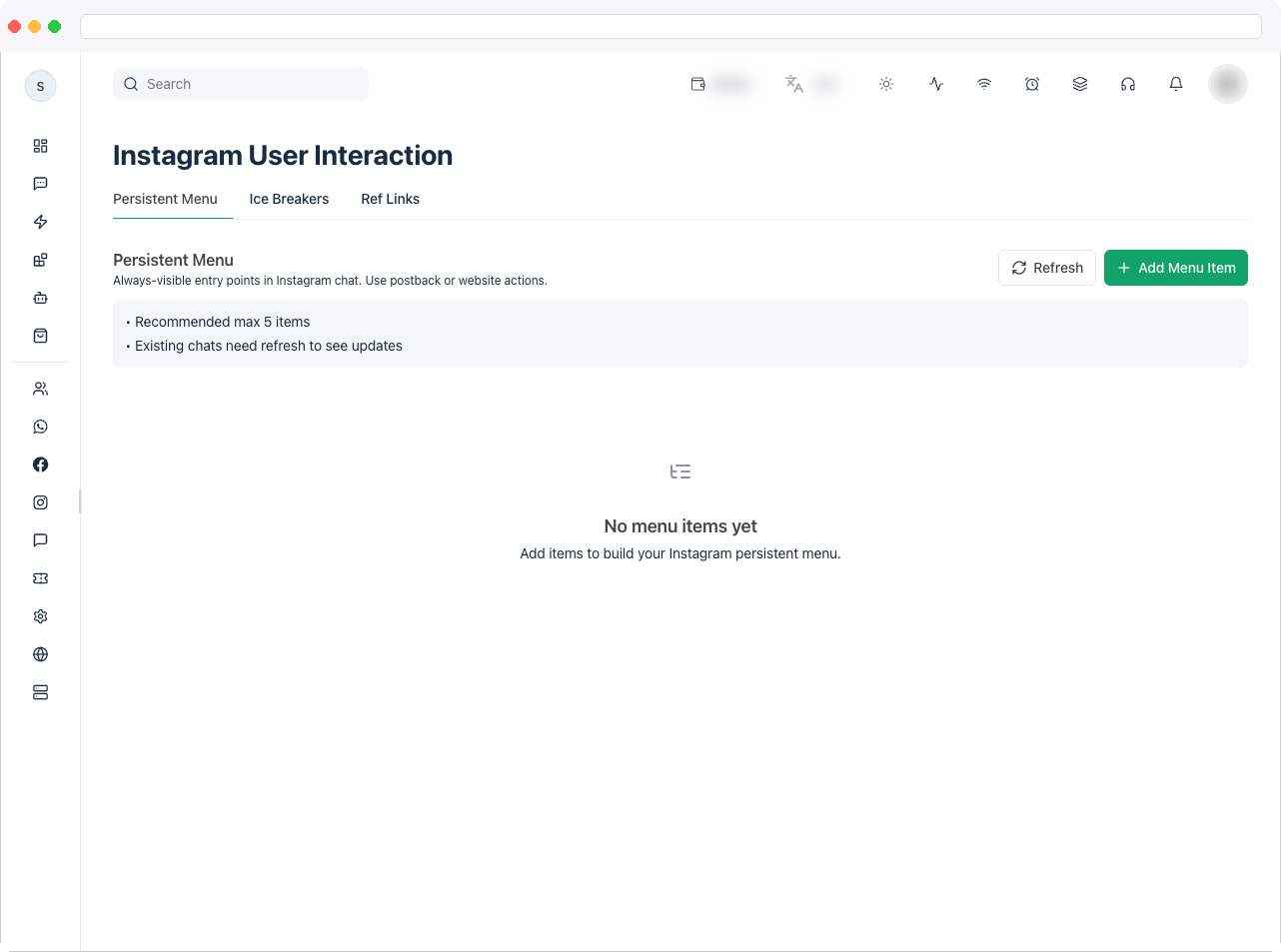
User Interaction is where you set up how conversations start and what people can tap inside Instagram chat for your connected account — a persistent menu, ice breaker questions, and trackedig.me ref links.
Viewing requires the
instagram:view permission. Changing or deleting items requires Instagram edit and delete access, and the page needs an active channel with a connected Instagram account and a plan that includes Instagram integration.What can I do here?
Persistent Menu tab- Add up to 5 always-visible menu items in Instagram chat, using a Postback or Web URL action
- Edit or delete existing items in a table showing Item, Title, Type, Action / URL, and Actions
- Add up to 4 quick questions people can tap to start a conversation
- Edit or delete existing questions. The internal action key is generated automatically
- Create
ig.melinks with a trackedrefvalue, and optionally save that value into a contact custom field - Copy, edit, or delete saved ref URLs
How to use it
Go to Instagram → User Interaction and choose a tab.- Ice Breakers
- Ref Links
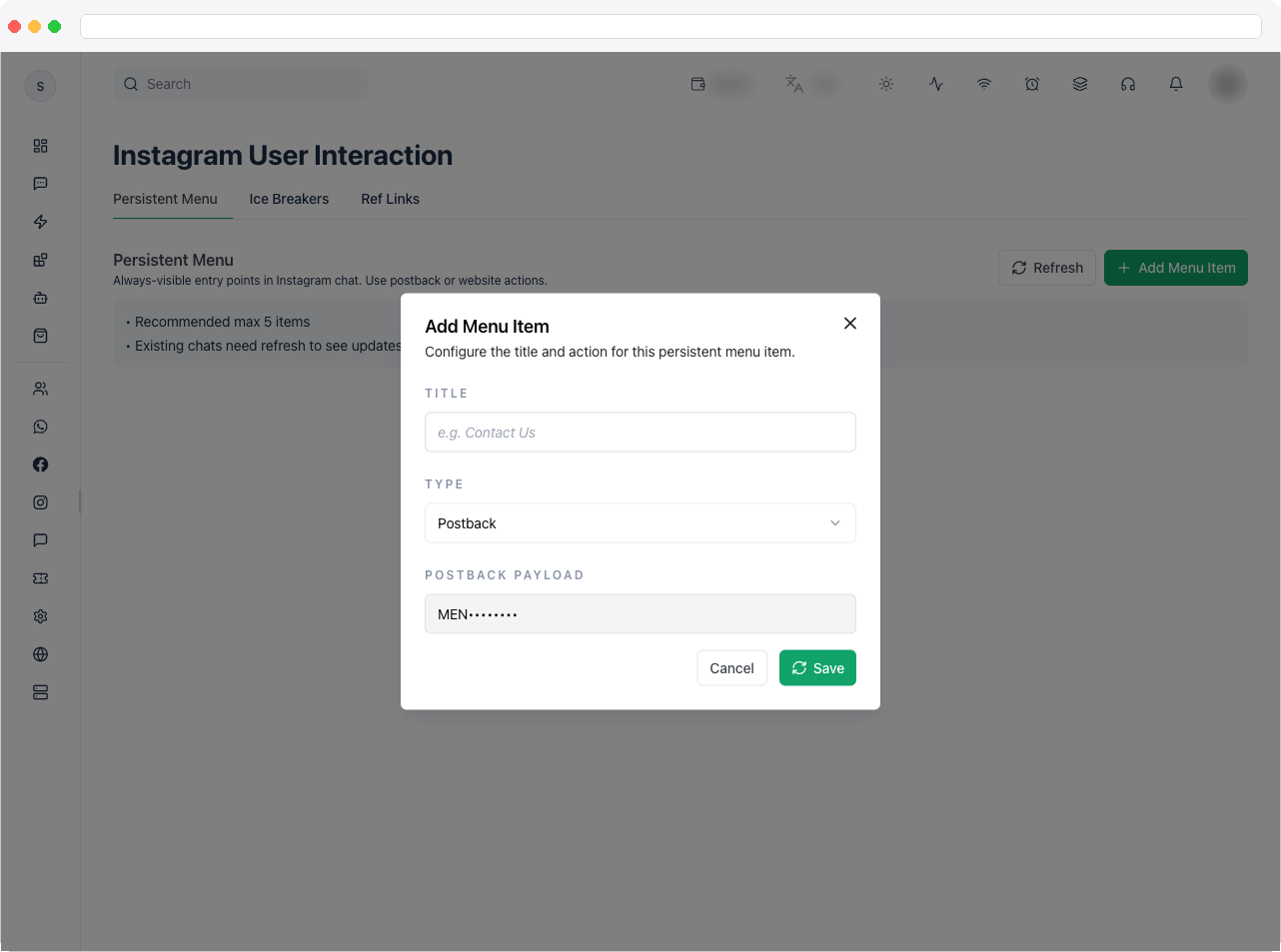
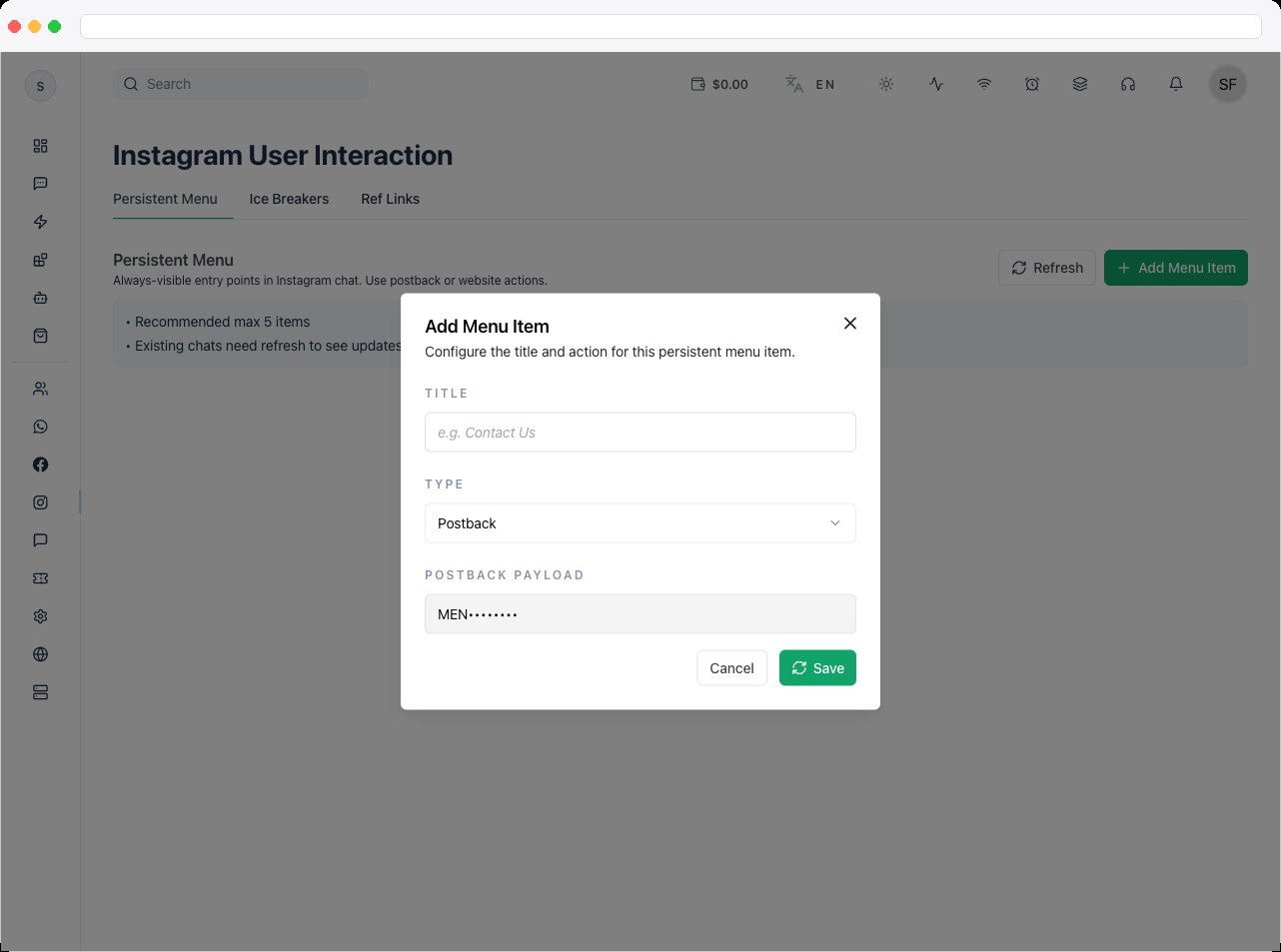
- Click Add Menu Item.
- Enter a Title — for example “Contact Us” — and choose a Type: Web URL or Postback.
- For a Web URL, enter the URL. For a Postback, enter the action it should trigger.
-
Save the item. Use Edit or Delete on a row to change it later. Instagram allows up to 5 menu items.
Troubleshooting / Technical Notes
- “Limit reached.” Instagram allows up to 5 menu items and 4 ice breaker questions.
- “Persistent menu is empty” or “Ice breakers are empty.” Add at least one valid item before saving.
- “Ref key is required.” Enter a value so the ref URL can be generated.
- “You do not have Instagram edit access.” Ask an administrator to grant
instagram:edit, or delete access to remove items. - Copy fails. Your browser blocked clipboard access — copy the link from the field manually.