

What is this?
Instagram Insights gives you a live view of performance data for your connected Instagram Business account, pulled directly from Instagram — account-level activity metrics and lifetime engagement metrics for individual posts.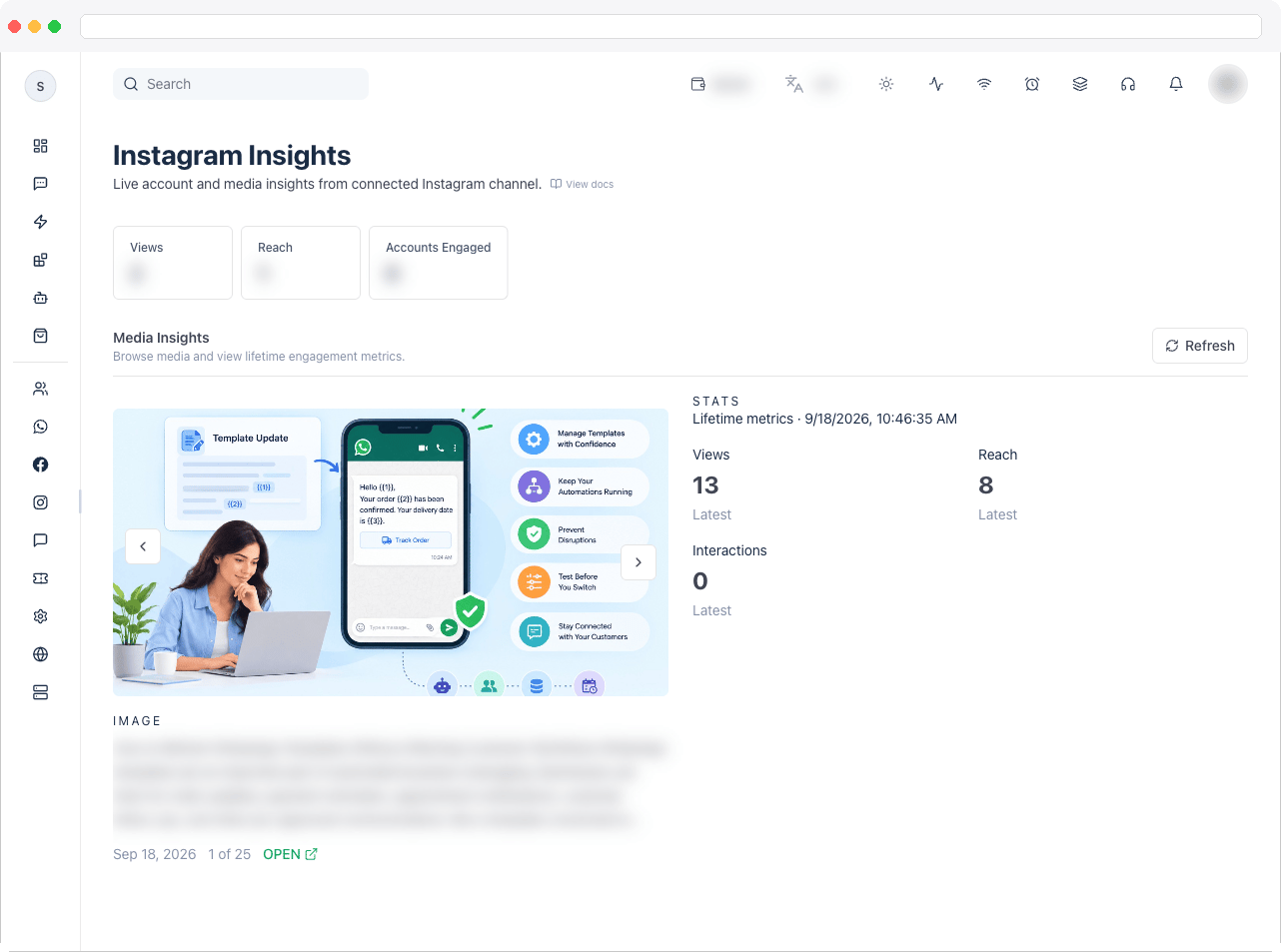
Access requires the
instagram:view permission, an active channel with a connected Instagram account, and a plan that includes Instagram integration. Without them, the page shows an access-denied, setup, or upgrade message instead of data.What can I do here?
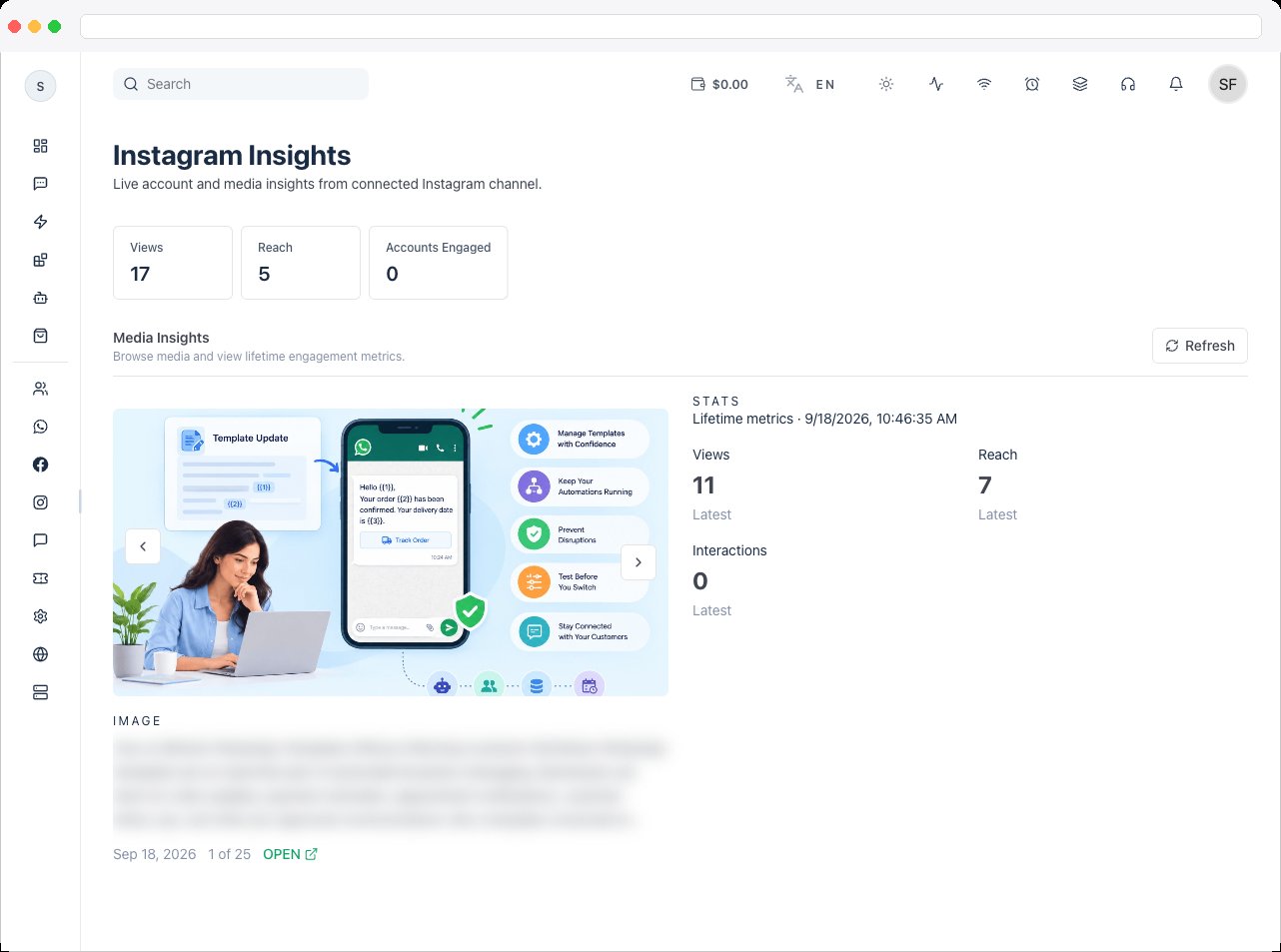
- See account metric tiles across the top, including Views, Reach, and Accounts Engaged
- Browse your account’s posts in the Media Insights panel
- View lifetime metrics for a selected post — such as views, reach, and total interactions
- Open the original post on Instagram with the Open link
- Click Refresh to reload the data
How to use it
-
Make sure an Instagram account is connected to your active channel. If none is connected, the page asks you to connect one in Settings.
-
Review the account metric tiles for a snapshot of recent activity.

- Scroll to Media Insights to browse your posts. Select a post to load its Lifetime metrics in the Stats panel.
- Click Open to view the post on Instagram, or Refresh if the figures look out of date.
Troubleshooting / Technical Notes
- “No account metric values were returned for the last day.” Instagram insights can lag by up to 48 hours, and some metrics require at least 100 followers.
- “This metric is unavailable for the connected account.” Instagram doesn’t provide that metric for this account type.
- “No media found for this Instagram account.” The account has no posts to show yet.
- “Failed to load media.” Click Refresh. If it keeps failing, reconnect the account with the required permissions — see Instagram OAuth.