

What is this?
File Manager gives you a central view of all the files shared through your active channel — images, videos, voice notes, PDFs, and more — so you can find, open, and download them without searching through conversations in Inbox.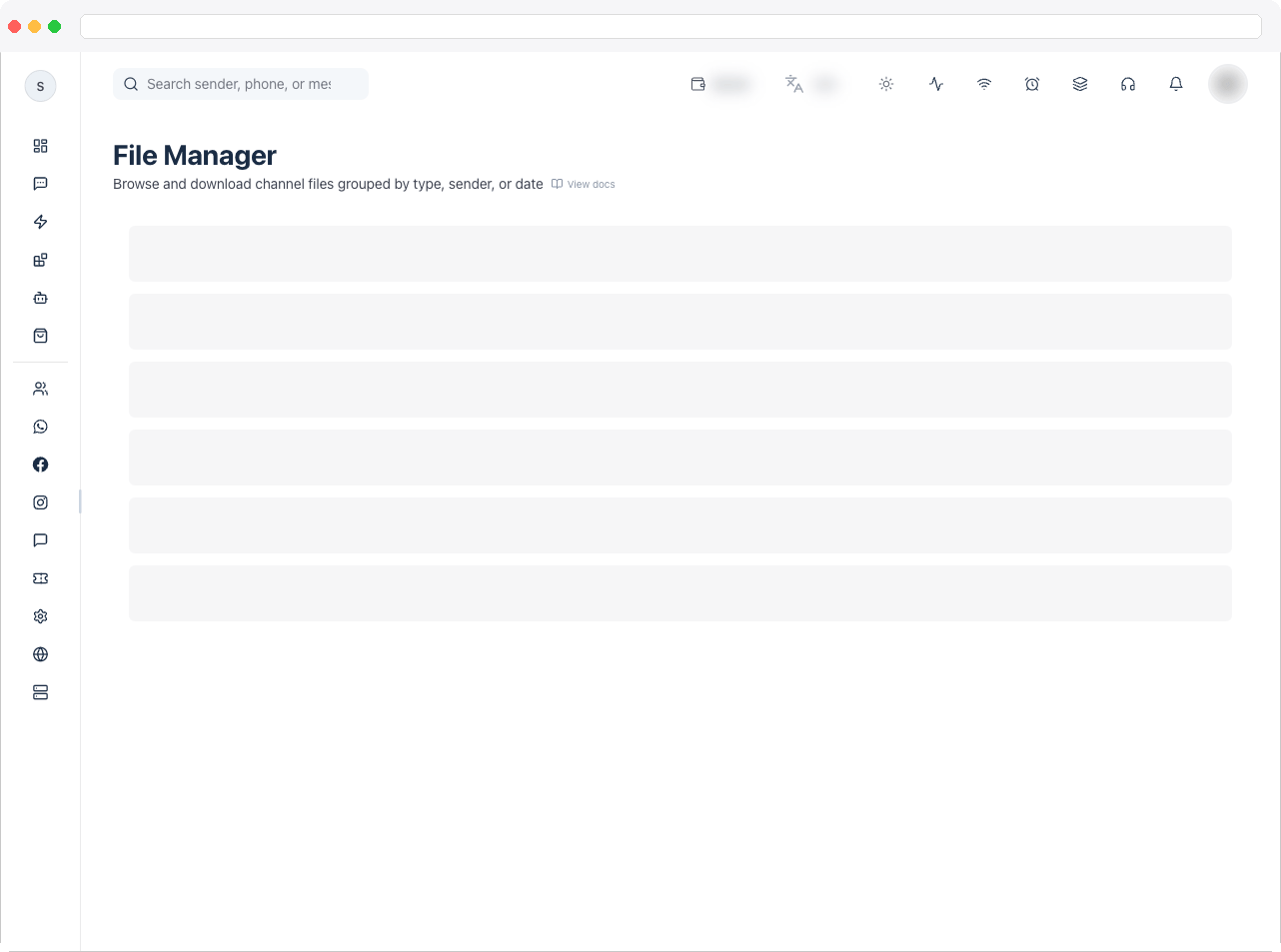
File Manager needs an active channel connected to WhatsApp, Instagram, Facebook, or Web Chat, and a plan that includes WhatsApp integration. Actions such as editing depend on the
filemanager:edit permission.What can I do here?
- See summary tiles: Total Files, Received Files, and Sent Files
- Filter by Direction: all directions, Received only, or Sent only
- Filter by Date range: Last 24 hours, Last 7 days, Last 30 days, or All time
- Organize the view with Categorize by: By type, By sender, or By date
- Browse by file type: All Files, Images, Videos, Voice, PDF, Sheets, or Others
- Search by sender, phone number, or message text
- Open a file or Download it
- Click Refresh to reload the list
How to use it
- Go to File Manager in the sidebar.
- Pick a Direction and Date range to narrow the results.
- Choose how to group files with Categorize by, and select a file type tab.
- Use Search sender, phone, or message if you know who sent the file.
- Click Open to view a file, or Download to save it.
Troubleshooting / Technical Notes
- “No file records found for this channel.” Try changing the filters, or send a media message in the channel.
- “Please connect WhatsApp, Instagram, Facebook, or Web Chat first.” Connect a channel in Channels.
- Files from another channel are missing. File Manager shows files for the active channel only — switch channels to see the others.
- Where do files live? Uploaded media is stored in your platform’s configured storage — see Storage Settings.