

What is this?
Analytics (shown as Analytics & Reports) gives you a real-time view of how your communication is performing — delivery, engagement, campaign results, automation health, team responsiveness, and AI usage — for the channel you’re working in.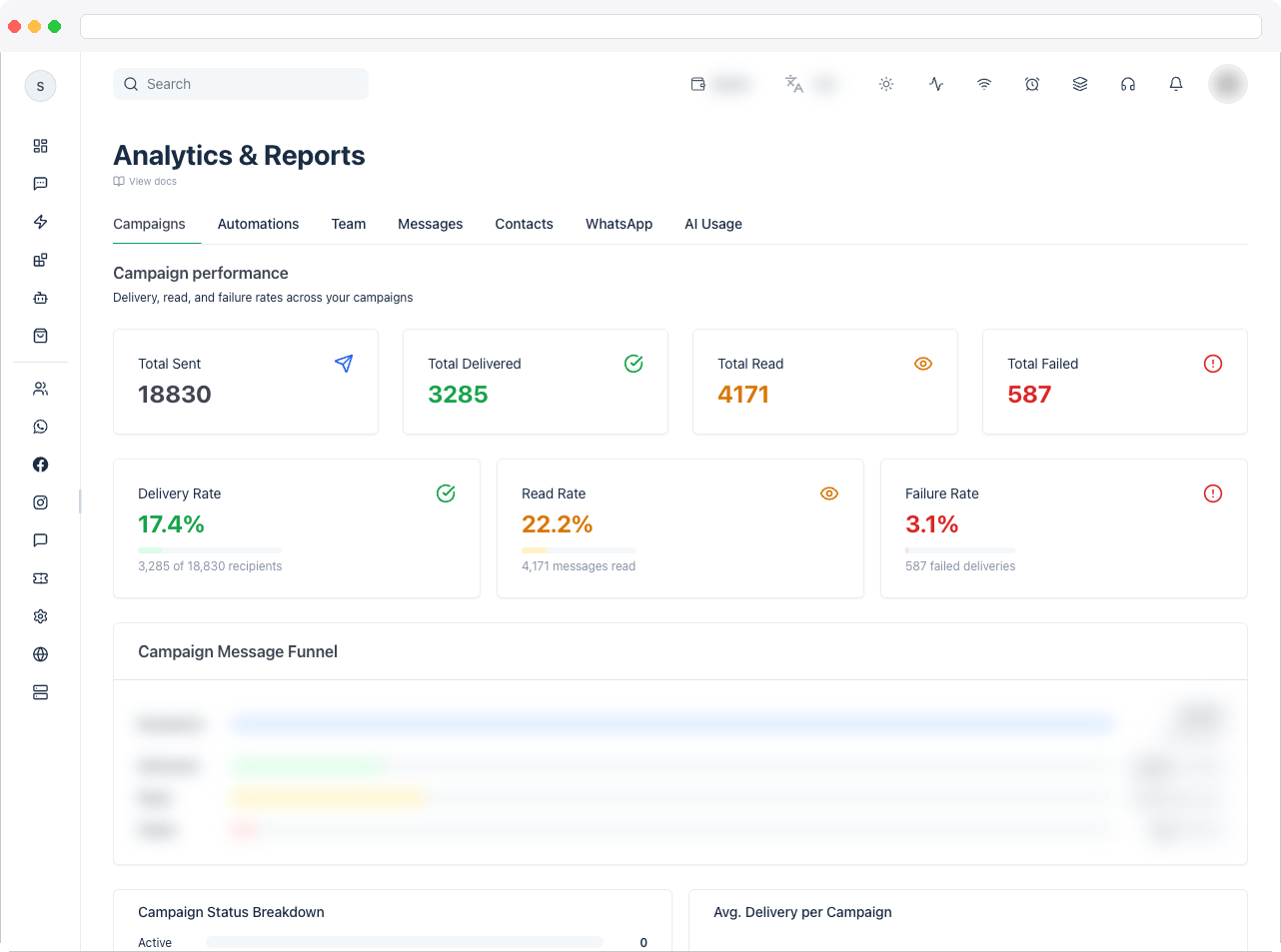
Analytics requires the
analytics:view permission, an active channel, and a plan that includes WhatsApp integration. The WhatsApp tab only appears when the channel has WhatsApp connected.What can I do here?
- Choose a time range on each tab: 1 day, 3 days, 7 days, or Custom (with From and To dates). Every tab starts on 1 day
- Switch between the Campaigns, Automations, Team, Messages, Contacts, WhatsApp, and AI Usage tabs, in that order
- Compare messages by channel — WhatsApp, Instagram, Facebook, Telegram, and Web Chat
- Drill into individual campaigns and automations to find problems
- Export failed automation executions as a shareable snapshot
How to use it
Go to Analytics in the sidebar, open the tab you need, and pick a time range for it. Each tab keeps its own range and starts on 1 day, so widen it to see more history. The tabs appear in this order.- Campaigns
- Automations
- Team
- Messages
- Contacts
- WhatsApp
- AI Usage
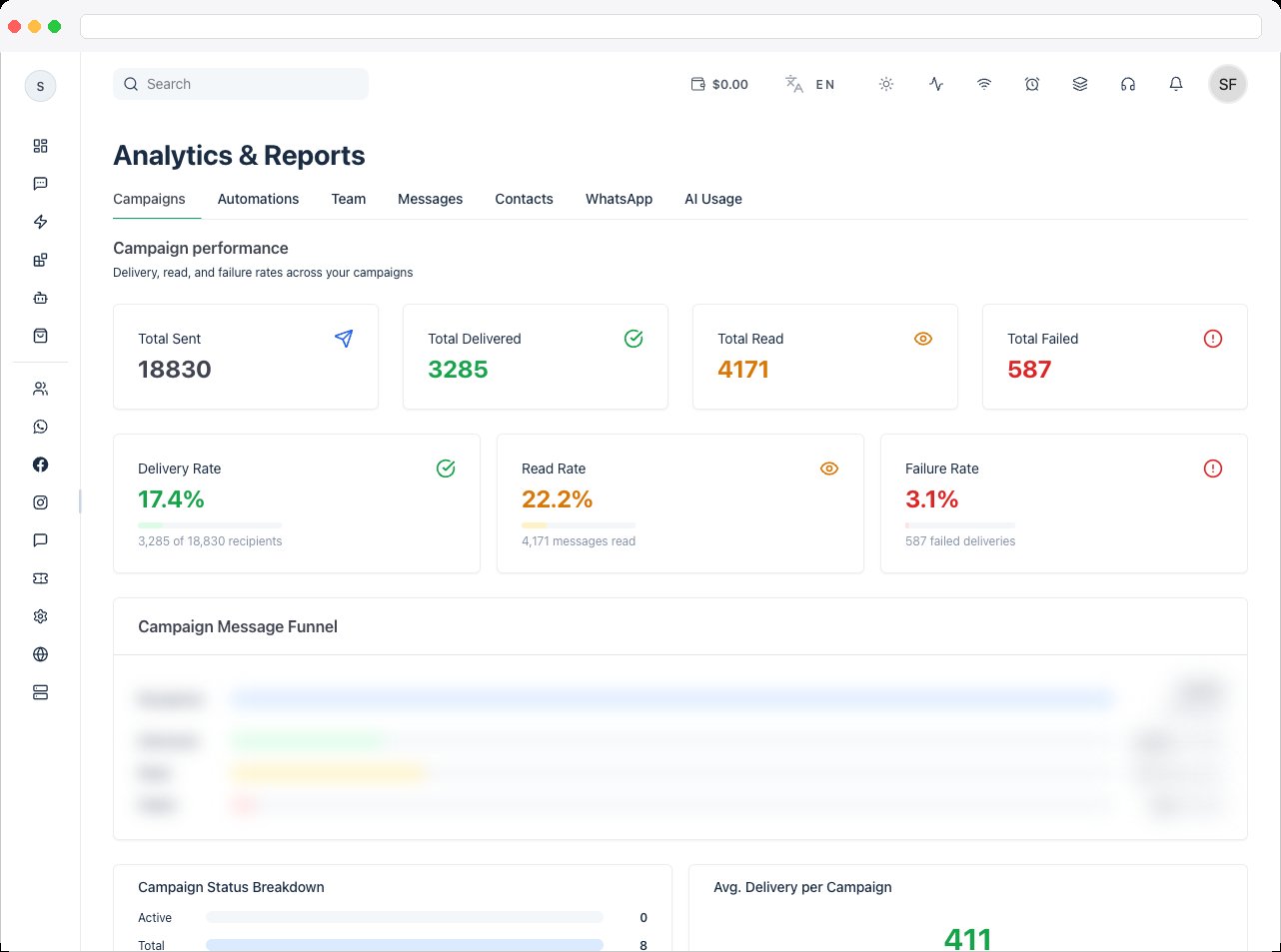
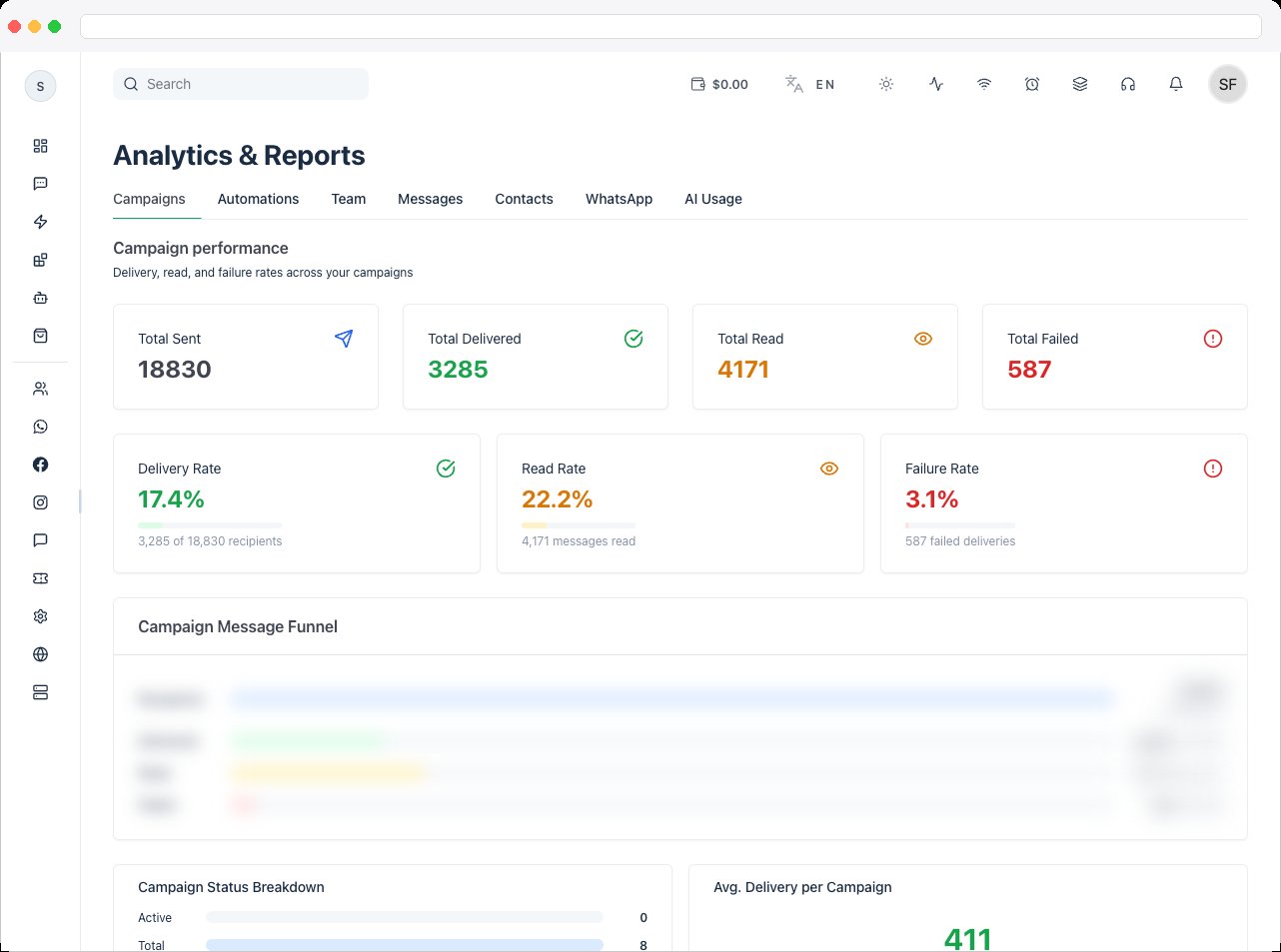
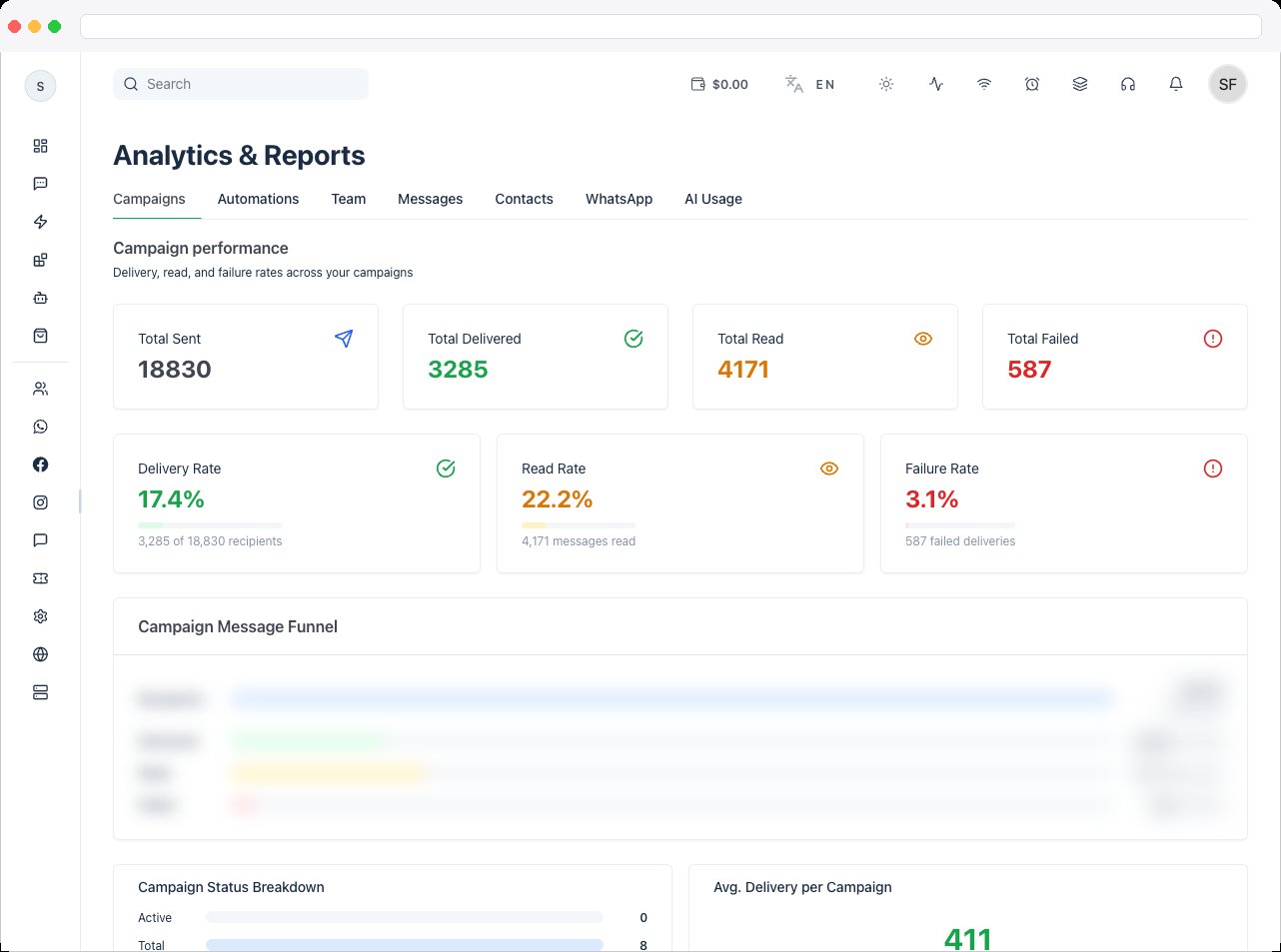
Campaign performance summarizes Total Sent, Total Delivered, Total Read, Total Failed, and the Delivery Rate, Read Rate, and Failure Rate. The Campaign Message Funnel and Campaign Status Breakdown show how many campaigns are active, and the average delivery per campaign. Use it to measure effectiveness and improve targeting. For one campaign in detail, see Campaigns.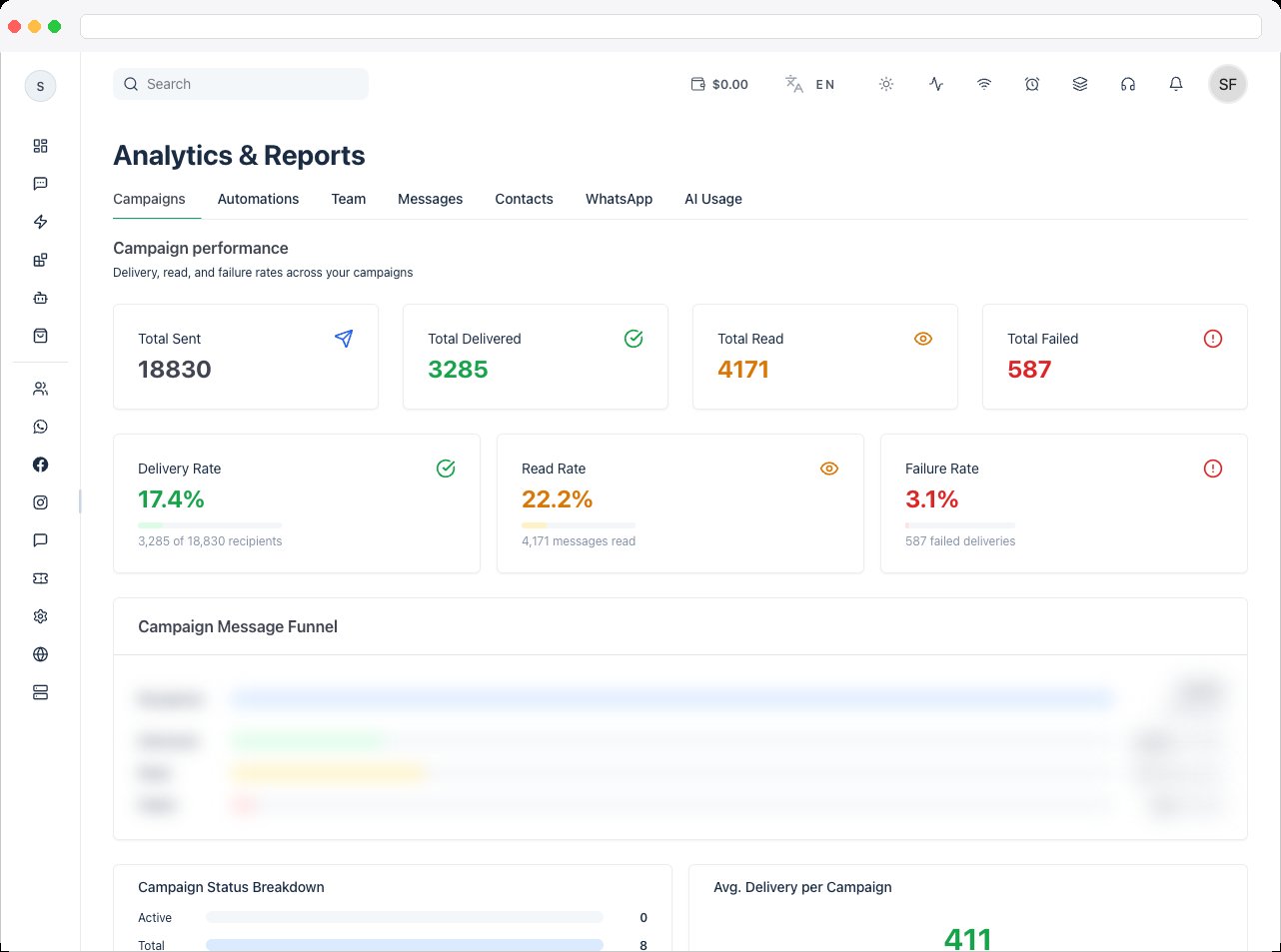
Troubleshooting / Technical Notes
- “WhatsApp Business Account not connected.” Connect a WhatsApp Business Account ID to the channel to see official Meta analytics.
- “No team assignment data found.” Assign conversations to team members to populate the Team tab.
- “No Campaigns Found.” Run a campaign to see results here.
- “No AI usage in this period.” AI conversations appear once an agent handles messages.
- A tab looks empty. Each tab starts on the last 1 day. Choose 3 days, 7 days, or Custom to include older activity.
- Numbers look wrong. Analytics follow the active channel and the selected date range — check both.