

What is this?
Instagram Publishing lets you create organic Instagram photo and video posts using your connected business account. You can publish immediately, schedule a post for later, or save it as a draft to finish later.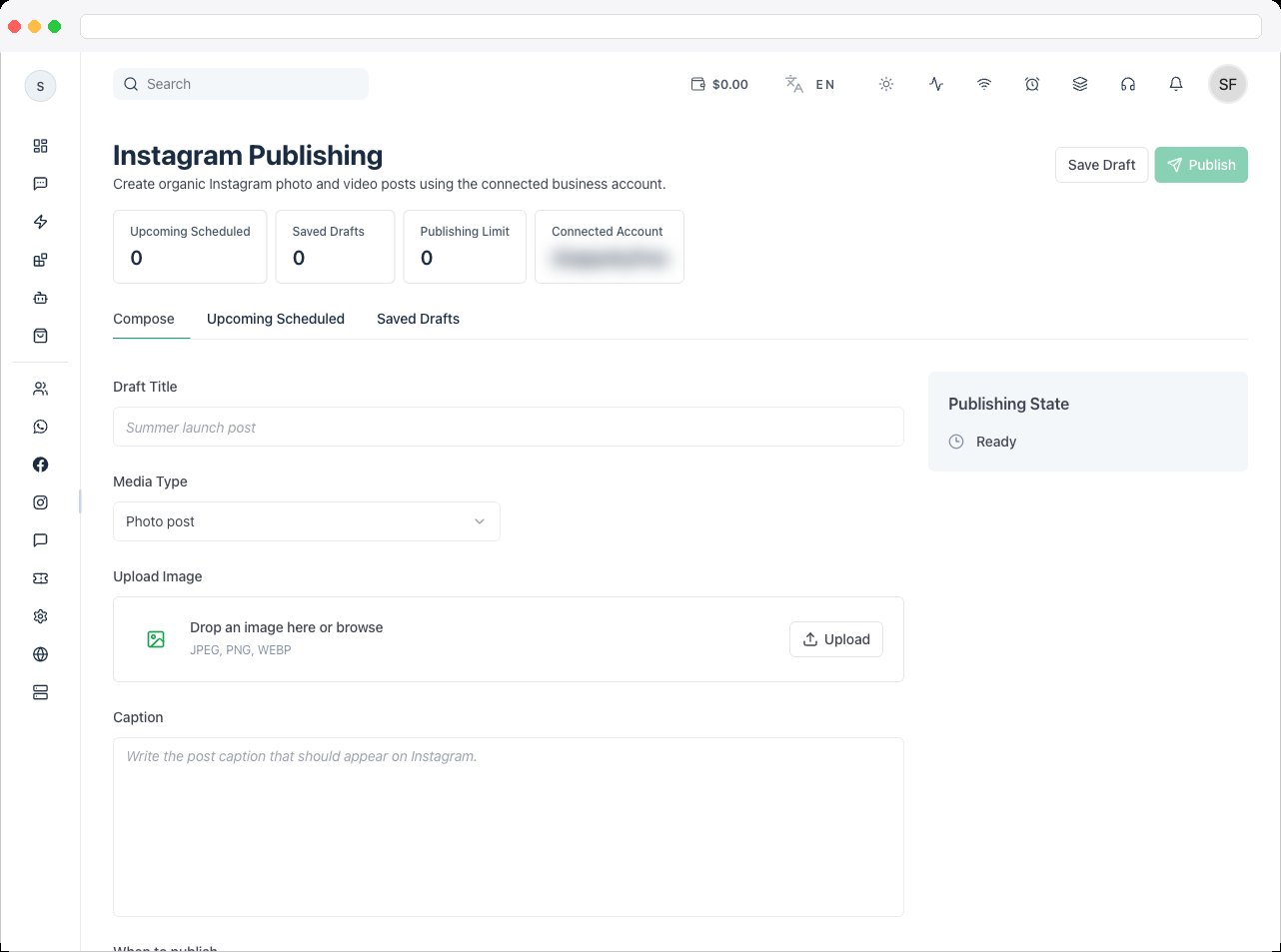
Publishing requires the
instagram:edit permission, an active channel with a connected Instagram account, and a plan that includes Instagram integration. Publishing must also be supported for the connected account.What can I do here?
- See summary tiles: Upcoming Scheduled, Saved Drafts, Publishing Limit, and Connected Account
- Compose a Photo post or Video post with a caption
- Upload media, and for video, set a Thumbnail Offset (ms)
- Save Draft, then edit or delete drafts later
- Publish now, or Schedule for a date and time
- Cancel schedule on an upcoming post
- Click Refresh to reload posts and drafts
How to use it
Go to Instagram → Publishing and choose a tab.- Compose
- Upcoming Scheduled
- Saved Drafts
- Add a Draft Title for your own reference — for example “Summer launch post”.
-
Choose the Media Type: Photo post or Video post, then upload your media or add a media URL.
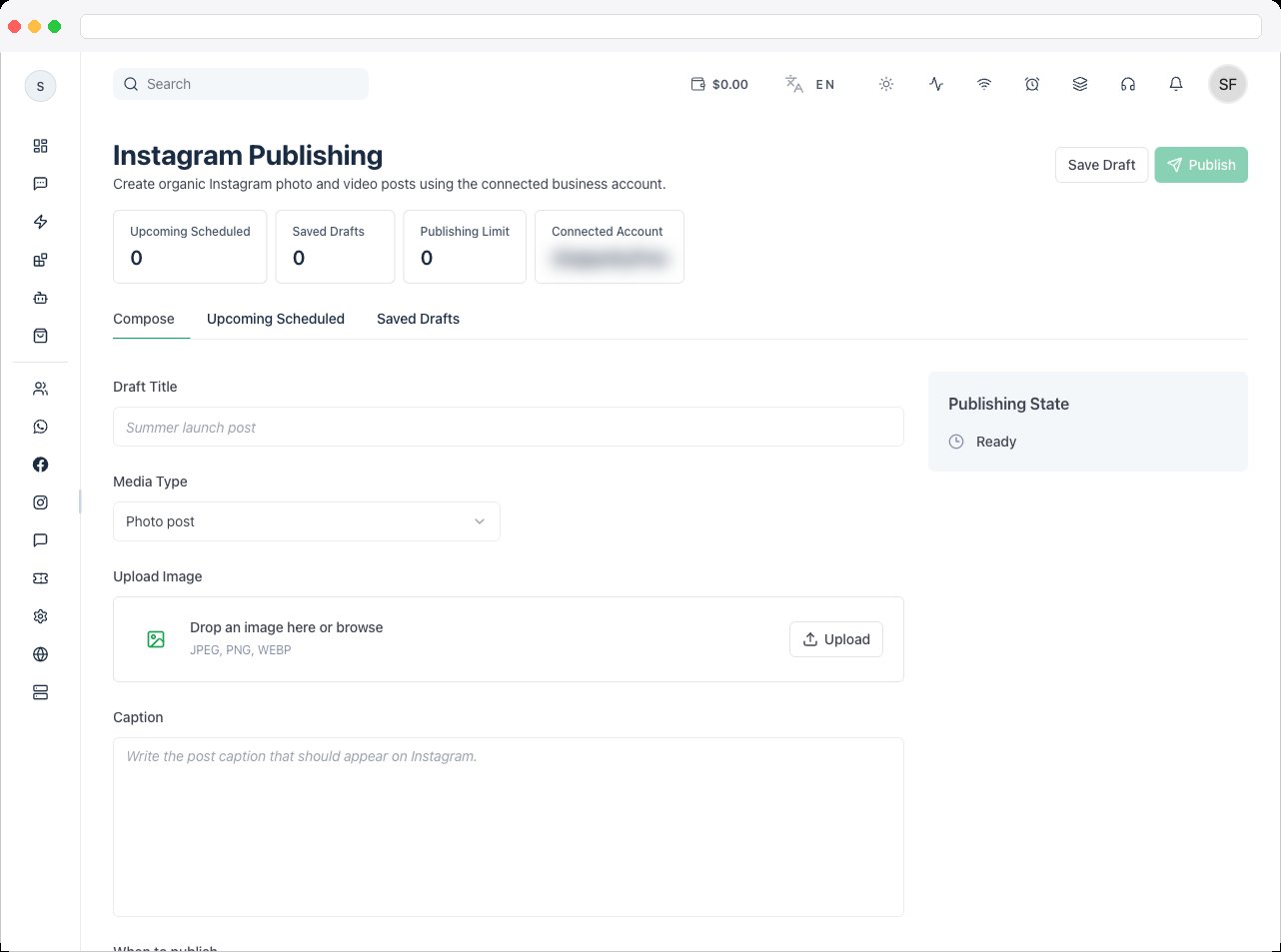
- Write the Caption that should appear on Instagram. For video, you can set a Thumbnail Offset (ms) to choose the cover frame.
- Under When to publish, choose Publish now or Schedule for later, and set the Schedule date & time if scheduling.
- Click Publish (or Schedule). For a new post, the platform uploads the media, checks that Instagram has finished processing it, and then publishes it.
- To finish later, click Save Draft instead. A draft can’t be saved empty — add a media file or a caption first.
Troubleshooting / Technical Notes
- “Draft is empty.” Add a media URL or a caption before saving a draft.
- “Invalid file type.” Upload a photo or video file supported by Instagram.
- “Select an active Instagram channel before uploading media.” No active Instagram channel is selected.
- Publishing fails right after upload. Instagram may still be processing the media. Wait a moment and try again.
- Publishing isn’t available. Instagram must allow content publishing for the connected account, and the connection needs the
instagram_business_content_publishpermission — see Instagram OAuth. - “You do not have Instagram edit access.” Ask an administrator to grant
instagram:edit.