

What is this?
Live Monitoring gives you a real-time view of the visitors on the website where your chat widget is installed, so you can watch activity during launches and peak traffic and confirm the widget is working in production.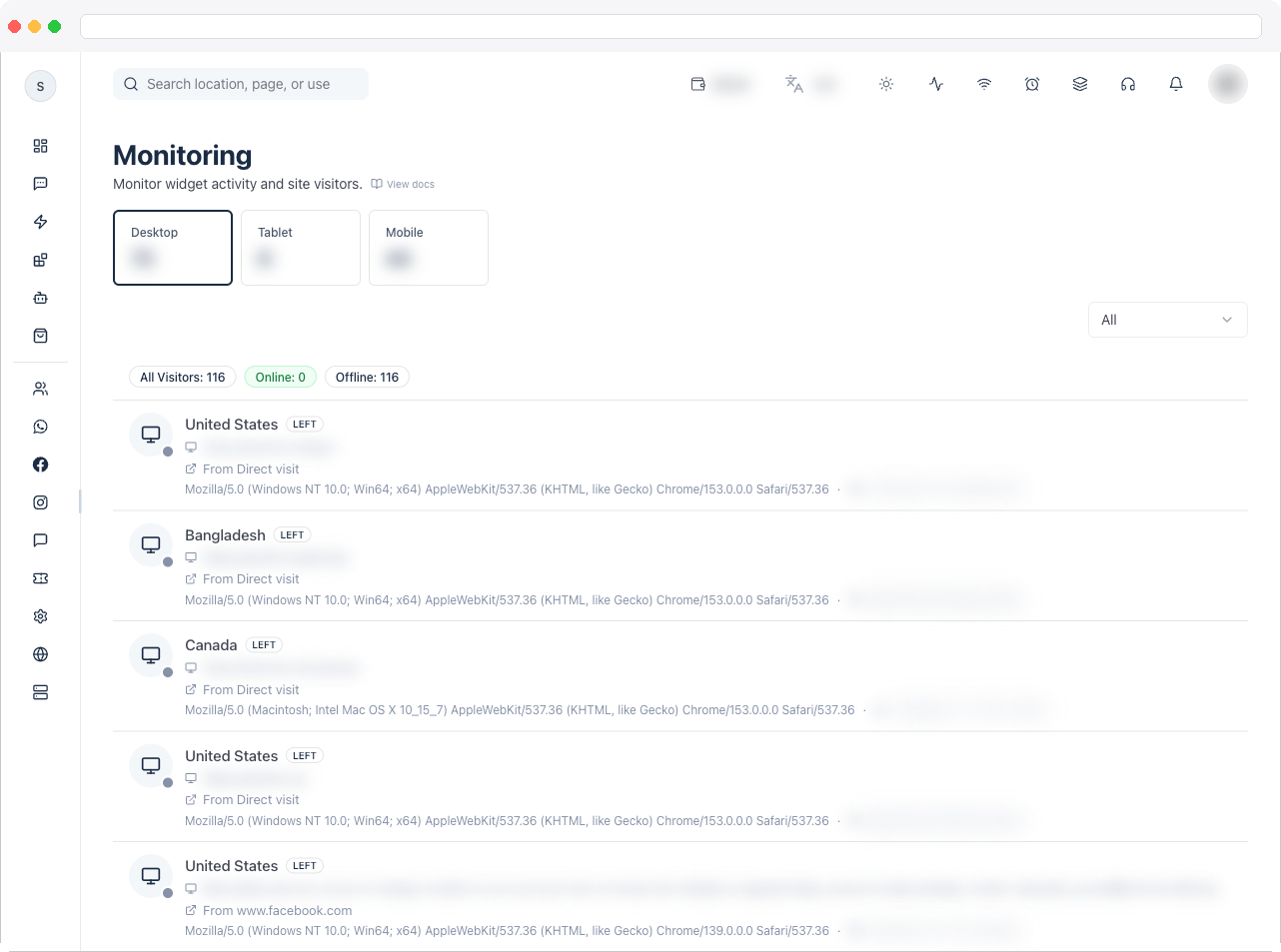
Live Monitoring is a plan feature and requires the
widgetbuilder:view permission. It also needs a saved Web Chat widget on your active channel. Without them, the page shows an upgrade or setup message instead.What can I do here?
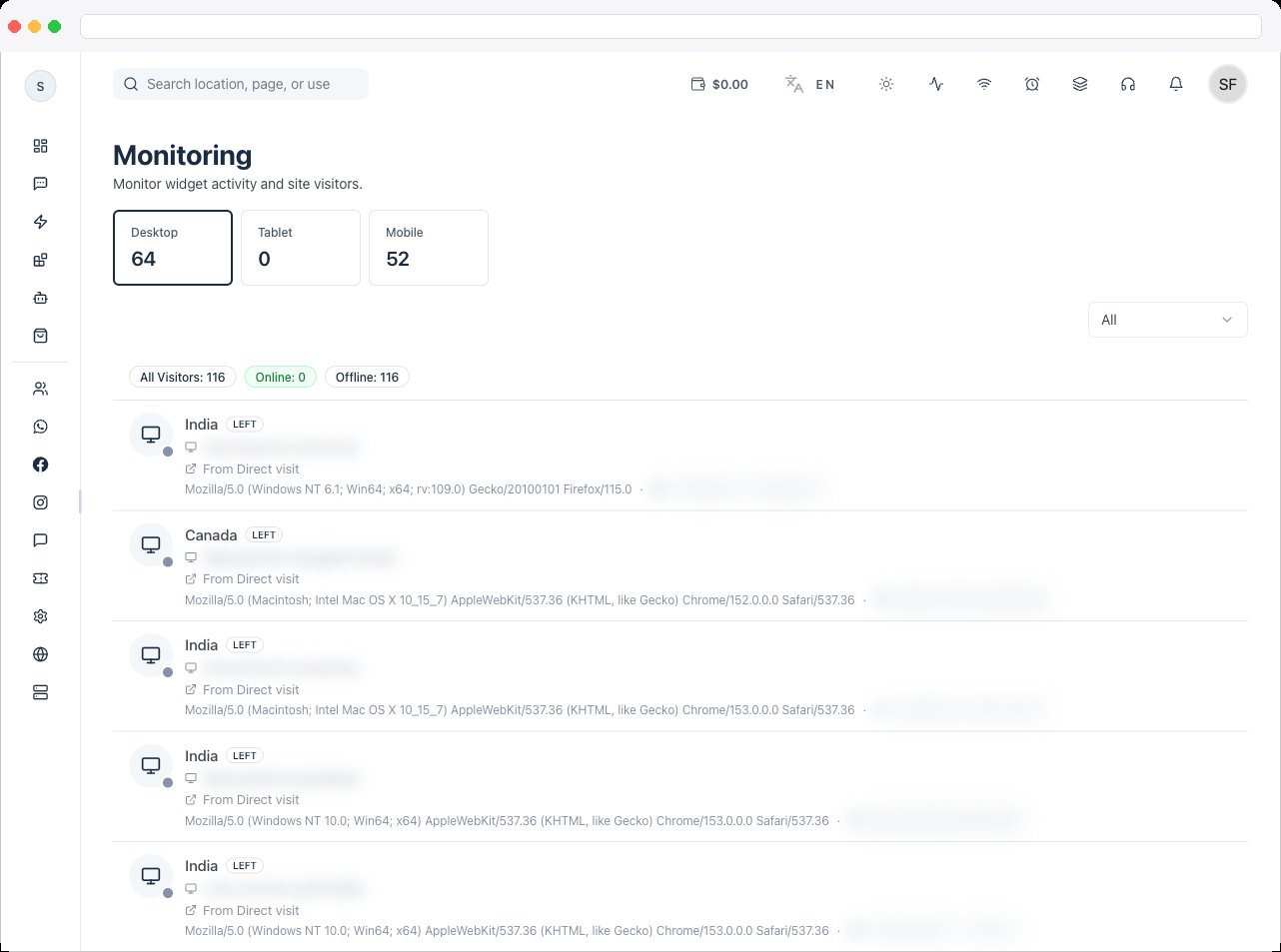
- See visitor counts by device with the Desktop, Tablet, and Mobile tiles
- Filter visitors by All, Online, or Offline
- Search by location, page, or user agent
- Review the All Visitors list as new visits arrive
How to use it
- Go to Web Chat → Live Monitoring.
- Click a device tile or use the All / Online / Offline filter to narrow the list.
-
Type in the search box to find a visitor by location, the page they are on, or their browser and device.
Troubleshooting / Technical Notes
- “No visitors recorded yet.” Visitors appear once someone loads your website with the widget installed. If you’ve installed it and still see nothing, check the installation code and that your site uses HTTPS.
- Location data is missing. If Require cookie consent is on in the widget’s Behavior tab, visitor location is only tracked after the visitor accepts.
- “Your current plan does not include Live Monitoring.” Upgrade your plan to use this page.