

What is this?
Settings (/settings, at the bottom of the Workspace sidebar — not to be confused with Platform Settings) is where you configure the things that apply to the channel you’re working in: the AI model it uses, what happens to inactive chats, importing data from another platform, and pushing messages to your own server.
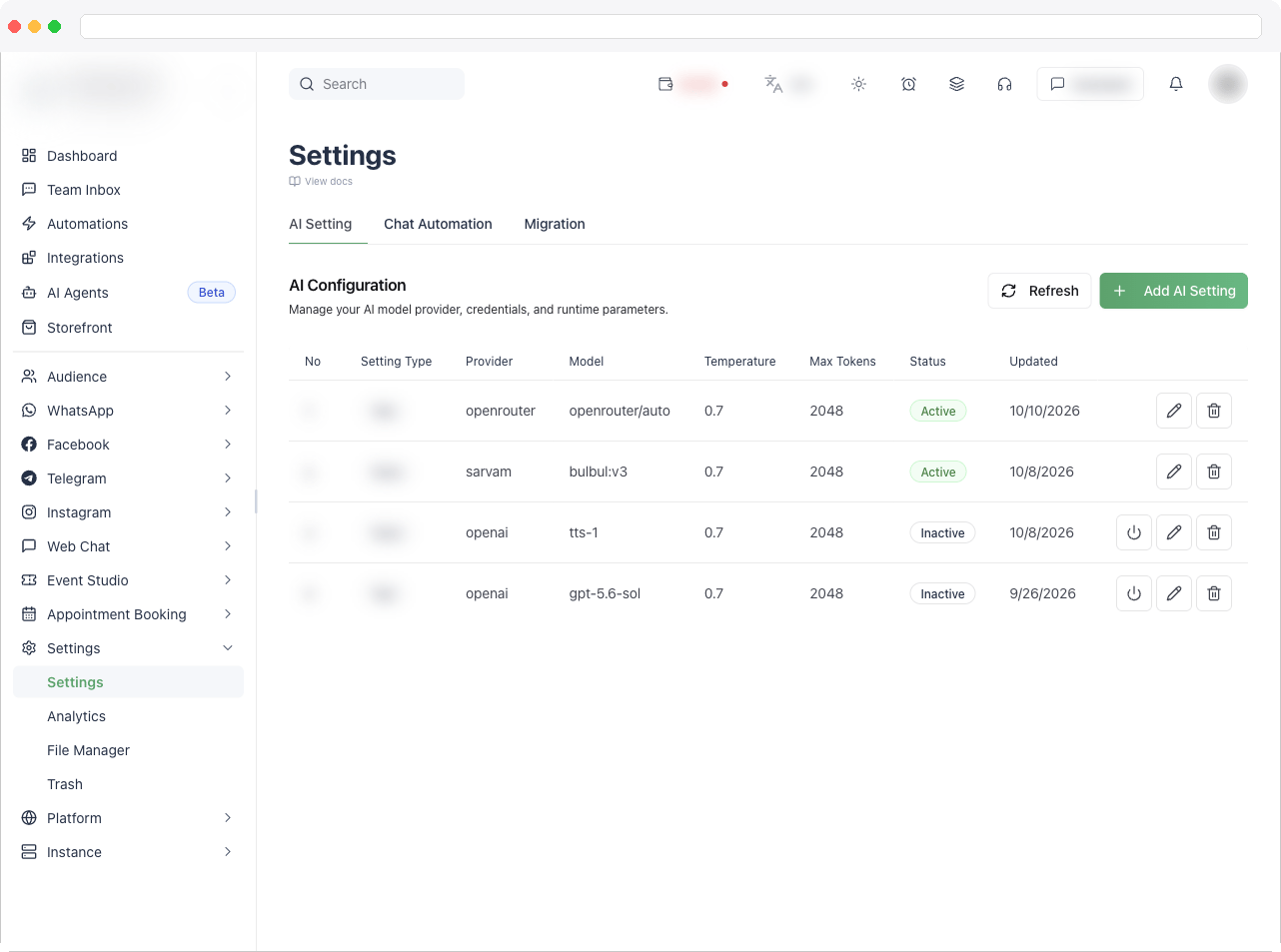
You need the Settings permission to open this page. Each tab applies to the active channel — switch channels first if you need another one’s settings.
What can I do here?
Each tab has its own page:How to use it
Open Settings in the sidebar and choose a tab.Troubleshooting / Technical Notes
- I can’t see a tab. Outbound Webhook only appears when it’s included in your plan or bought as an add-on. Ask your platform administrator.
- My settings look different from a colleague’s. Settings belong to the channel — make sure you’re both in the same channel.