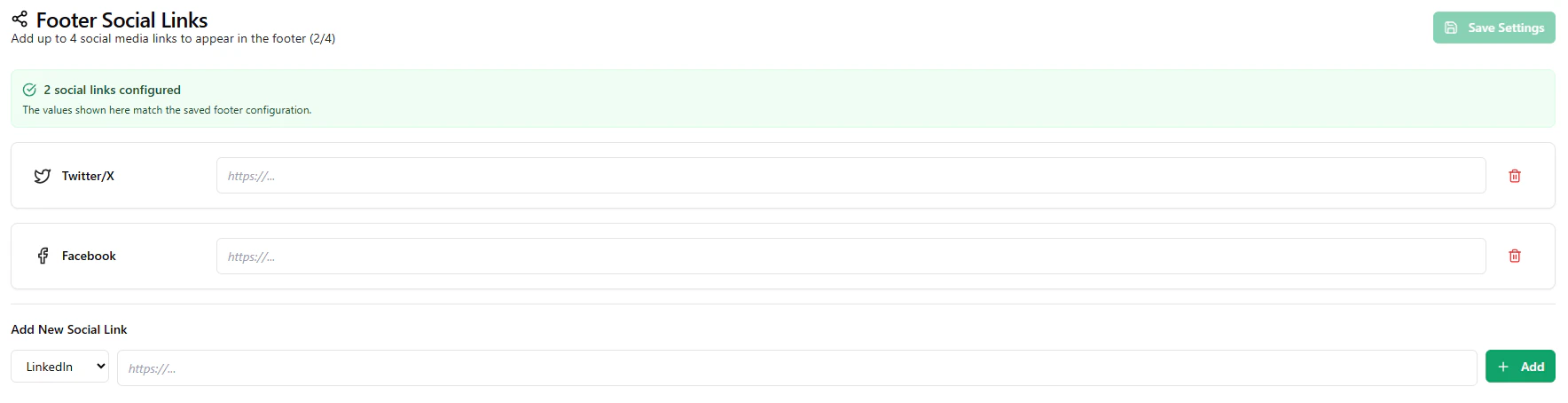
The Footer Social Links page allows you to add and manage social media links that appear in the footer section of your landing page. These links help users connect with your brand across different platforms.
This feature is part of your white-label customization and enhances your platform’s credibility and accessibility.
What You Can Do
Using this page, you can:
- add social media profile links
- update or remove existing links
- control which platforms are displayed
- manage how users access your external channels
The configured links will automatically appear in the footer of your landing page.
You can add links for commonly used platforms such as:
- Twitter / X
- Facebook
- LinkedIn
- and other supported social platforms
Each link is displayed with its respective icon in the footer.
Link Configuration
To add a social link, you need to:
- select the platform type
- provide the correct URL to your profile or page
Once saved, the link will be visible in the footer section of your website.
Visibility and Limit
You can configure multiple social links, but typically a limited number of links are displayed to maintain a clean and structured footer layout.
Only active and configured links will be shown to users.
Use Cases
Footer social links are useful for:
- promoting your social media presence
- building brand trust and engagement
- allowing users to follow or contact you externally
- linking to company updates, announcements, or content
Last modified on May 18, 2026